
Montenegro SIM Card vs eSIM: EU Roaming, Cruise Stops & Coverage (2026)
Montenegro isn't in EU Roam Like at Home. Compare tourist SIMs and eSIMs for Kotor, Budva and Durmitor, including cruise day stops. Plans from $2.
ReadAuthor
Angelus Sharma
Published
July 28, 2026
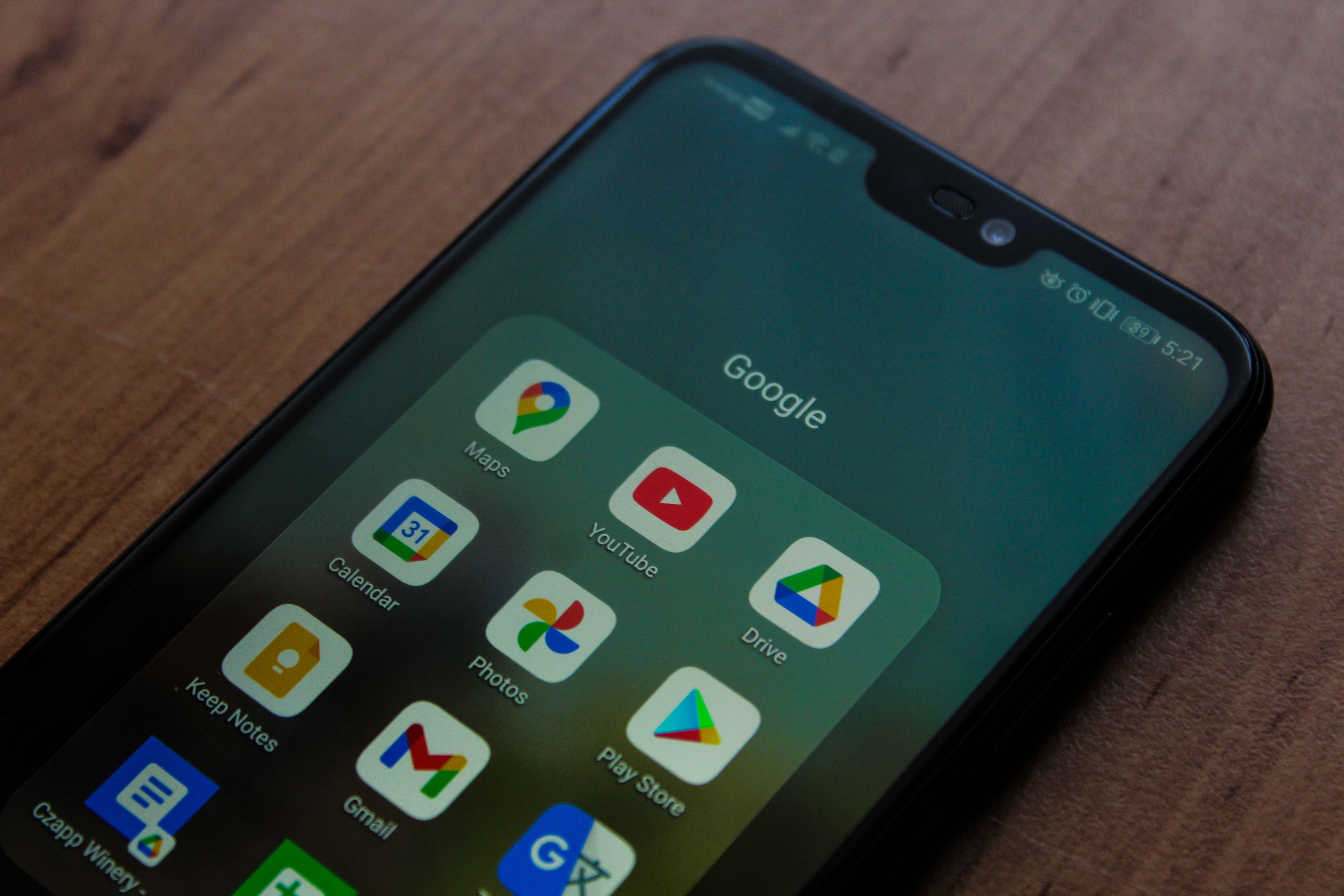
Google Pixel smartphones have become one of the most popular choices for travellers, digital nomads, business professionals, and Android enthusiasts. Known for their clean Android experience, advanced cameras, regular software updates, and strong support for modern connectivity, Pixel devices are particularly well suited for international travel.
One of their most valuable features is eSIM support.
Instead of searching for a local SIM card after arriving in a new country, you can install a travel eSIM before leaving home and activate it as soon as you land. This saves time, reduces stress, and helps avoid expensive international roaming charges.
Whether you're travelling for a weekend city break, a month-long backpacking adventure, or an extended business trip, learning how to set up an eSIM on your Google Pixel can make your journey much smoother.
This guide walks you through everything you need to know, from checking compatibility and installing your eSIM to managing dual SIM settings and solving common issues.
An eSIM (Embedded SIM) is a digital SIM card built directly into your smartphone.
Unlike a traditional SIM card, there is nothing to insert or remove.
Instead, your mobile plan is downloaded electronically using:
A QR code
A carrier app
An activation code
Automatic carrier provisioning
Once activated, your Pixel connects to the mobile network just like it would with a physical SIM.
Pixel phones are designed for people who value simplicity and flexibility.
For international travellers, eSIM support offers several important advantages:
No physical SIM swapping
Easy activation
Multiple stored eSIM profiles
Dual SIM support on compatible models
Better preparation before departure
Simple switching between mobile plans
These features make the Pixel one of the best Android phones for frequent travel.
Most modern Google Pixel smartphones include eSIM functionality.
Examples include:
Pixel 4 Series
Pixel 4a Series
Pixel 5 Series
Pixel 5a
Pixel 6 Series
Pixel 6a
Pixel 7 Series
Pixel 7a
Pixel 8 Series
Pixel 8a
Pixel 9 Series
Pixel 9 Pro Fold
Pixel 10 Series
Support may vary depending on your country, carrier, and device model. Always verify your exact model before purchasing an eSIM.
Before starting the installation process, make sure:
Your Pixel phone supports eSIM.
Your phone is carrier unlocked.
You have access to Wi-Fi.
Your travel eSIM provider has supplied a QR code or activation details.
Android is updated to the latest available version.
Completing these checks beforehand makes the installation process quick and hassle-free.
Installing an eSIM only takes a few minutes.
Open Settings.
Tap Network & Internet.
Select SIMs or Mobile Network (the wording may vary slightly by Android version).
Tap Add eSIM or Download a SIM Instead? if prompted.
Choose the option to scan a QR code.
Scan the QR code provided by your eSIM provider.
Wait while your Pixel downloads and installs the eSIM profile.
Once complete, your travel eSIM will appear in your SIM settings.
Different providers activate their plans in different ways.
Some activate immediately after installation.
Others activate automatically when your phone connects to a supported mobile network in your destination country.
Always follow the activation instructions included with your travel eSIM.
If you're using both your regular SIM and a travel eSIM, choose which one should provide mobile data.
Go to:
Settings → Network & Internet → SIMs
From there you can:
Choose your default mobile data SIM
Select your preferred SIM for calls
Choose your default SMS SIM
Many travellers keep their primary SIM active for calls while using the travel eSIM exclusively for mobile data.
One of the biggest advantages of eSIM is dual SIM functionality.
This allows you to use two mobile plans on the same device.
For example:
Used for:
Personal calls
Business calls
Banking verification codes
Existing WhatsApp account
Used for:
Mobile data
Maps
Ride-sharing
Hotel bookings
Translation apps
Streaming
This setup gives you the best of both worlds.
Yes.
Most modern Pixel devices can store multiple eSIM profiles, although only a limited number can be active simultaneously depending on the device.
Frequent travellers often keep profiles for:
Europe
North America
Asia
Home carrier
Business travel
Switching between stored profiles is usually much faster than downloading them again.
Traditional roaming is convenient, but it often comes with:
Daily access charges
High data costs
Limited allowances
Unexpected bills
Travel eSIMs provide prepaid data plans that help travellers control their mobile expenses more effectively.
Imagine travelling through:
France
Germany
Italy
Spain
Netherlands
Or:
United States
Canada
Mexico
Or:
Japan
Singapore
Thailand
Malaysia
Instead of changing SIM cards every time you cross a border, a compatible regional eSIM can keep you connected across multiple destinations.
Most installations are straightforward, but here are solutions to some common issues.
Try:
Cleaning the camera lens.
Increasing screen brightness.
Displaying the QR code on another device.
Restarting the camera app.
Check:
Is the eSIM enabled?
Is your destination covered?
Has the plan activated?
Have you restarted your phone?
Verify:
The travel eSIM is selected for mobile data.
Mobile data is enabled.
Data roaming is enabled if required by your provider.
Possible reasons include:
QR code already used.
Carrier lock.
Unsupported destination.
Expired activation code.
If necessary, contact your eSIM provider for assistance.
Using your own mobile connection is often safer than relying exclusively on public Wi-Fi.
Whether you're:
Accessing online banking
Uploading work documents
Shopping online
Managing business accounts
your travel eSIM provides a dedicated mobile connection without depending on crowded public networks.
Before you leave:
Install your eSIM while connected to Wi-Fi.
Save your QR code until activation is complete.
Download offline maps.
Update Android and your apps.
Charge your phone fully before travelling.
Verify your destination is included in your eSIM plan.
These simple steps help ensure everything works smoothly after arrival.
A travel eSIM is useful for almost every type of traveller.
Stay connected during meetings, access cloud storage, and join video calls.
Switch between countries without collecting multiple SIM cards.
Stay connected during study abroad programmes and access online learning platforms.
Navigate unfamiliar cities, share locations, and stay in touch while travelling.
Move between multiple countries without replacing SIM cards every few days.
Your Google Pixel is designed for a connected world, and eSIMLLY helps you make the most of it.
eSIMLLY provides travel eSIM services in more than 160 countries and regions, making it easy to stay connected almost anywhere you travel. Whether you're visiting a single destination, exploring several countries, travelling for business, or studying abroad, you can purchase your eSIM online, receive activation details within minutes, and install your plan before you even leave home.
With transparent pricing, flexible prepaid data plans, destination-specific and regional coverage, and instant digital delivery, eSIMLLY offers a simple and reliable way to avoid expensive roaming charges while enjoying seamless mobile connectivity.
As more carriers embrace digital SIM technology and more smartphones adopt eSIM as a standard feature, travelling internationally is becoming easier than ever.
Instead of searching for SIM cards at airports or dealing with roaming charges, travellers can activate mobile connectivity before departure and arrive ready to explore.
Google Pixel devices are built for this future, offering simple eSIM management, dual SIM functionality, and fast switching between mobile plans.
Yes. Many Google Pixel models support dual SIM functionality, allowing you to use both simultaneously.
Yes. A Wi-Fi connection is typically required to download the eSIM profile.
That depends on your provider. Some eSIM profiles can be reinstalled, while others require a new activation QR code.
Not necessarily. Compatibility depends on your device model, carrier status, region, and the eSIM provider's supported networks.
For many travellers, yes. Travel eSIMs usually offer more predictable pricing and greater flexibility than traditional international roaming.
Google Pixel smartphones are among the best Android devices for international travel, and their built-in eSIM support makes staying connected easier than ever.
By installing your travel eSIM before departure, configuring your dual SIM settings correctly, and choosing the right data plan, you can avoid the inconvenience of physical SIM cards and reduce the risk of expensive roaming charges.
Whether you're travelling for work, studying abroad, exploring multiple countries, or taking a well-earned holiday, a travel eSIM gives your Google Pixel the flexibility it was designed for.
With eSIMLLY providing travel eSIM services in more than 160 countries and regions, you can travel confidently, knowing reliable mobile connectivity is ready whenever and wherever your next adventure begins.
The future of travel is connected, digital, and increasingly seamless—and embedded eSIMs are becoming one of the technologies making that future possible.
As more travellers, enterprises, and device manufacturers embrace eSIM technology, China is set to become one of the most influential markets in shaping the future of mobile communication—and providers like eSIMLLY are well positioned to help international travellers stay connected across China and more than 160 destinations worldwide.
Instant activation, hotspot included and no roaming fees in the destinations from this guide.
Montenegro isn't in EU Roam Like at Home. Compare tourist SIMs and eSIMs for Kotor, Budva and Durmitor, including cruise day stops. Plans from $2.
Read
Zvartnots airport SIM or eSIM? Compare Armenia's operators, tourist bundle prices and when each option makes sense. eSIM plans from $2.50.
Read
Beeline, Kcell or Tele2? Why foreign phones on Kazakh SIMs need IMEI registration, and when a travel eSIM is easier. Plans from $1.50.
ReadGet instant data and savings on your next trip with eSIMLLY. Simple activation, no physical SIM card needed.


