
Montenegro SIM Card vs eSIM: EU Roaming, Cruise Stops & Coverage (2026)
Montenegro isn't in EU Roam Like at Home. Compare tourist SIMs and eSIMs for Kotor, Budva and Durmitor, including cruise day stops. Plans from $2.
ReadAuthor
Angelus Sharma
Published
July 28, 2026
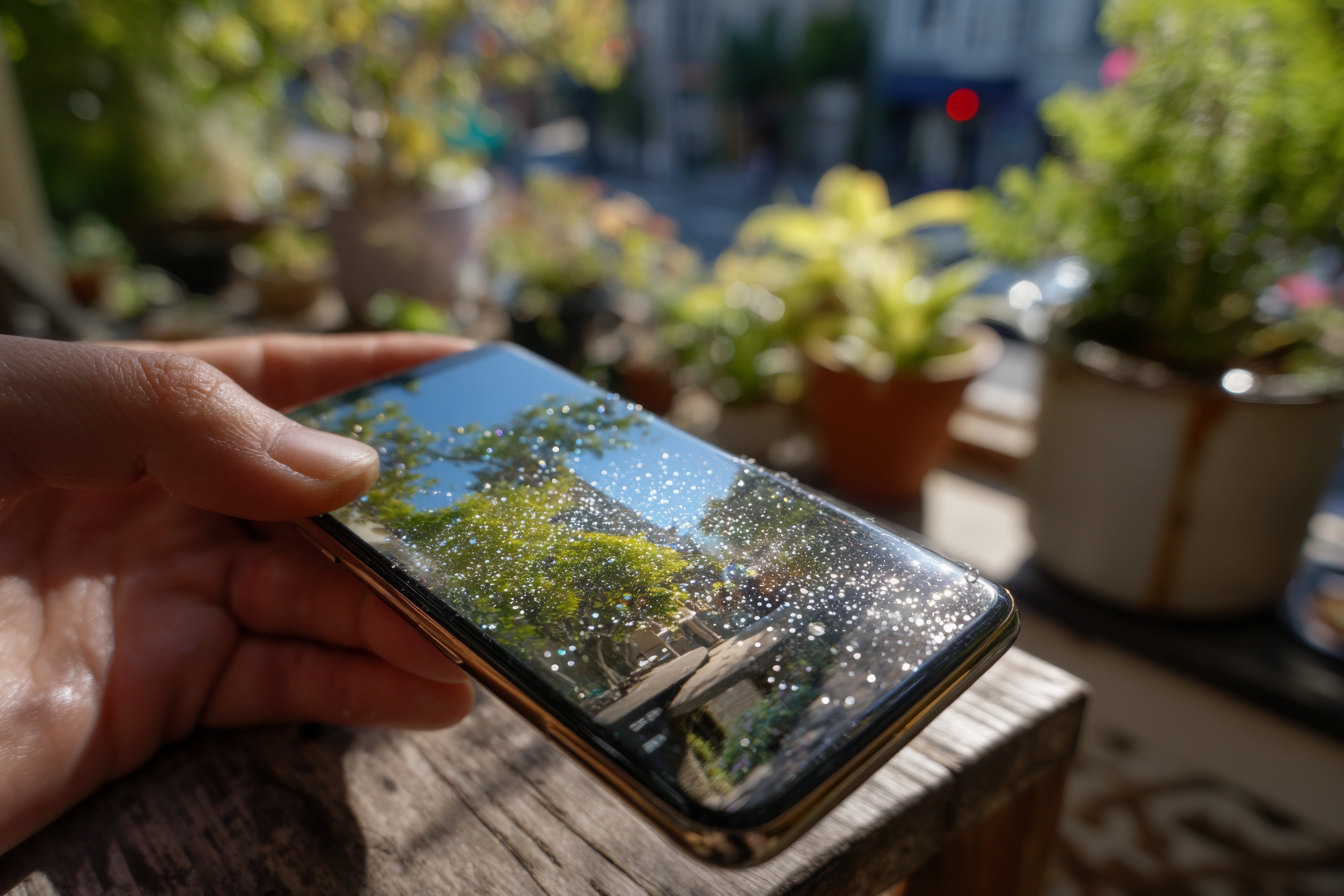
Samsung's Galaxy S25 and Galaxy S24 series are among the best Android smartphones for international travel. With powerful hardware, fast 5G connectivity, advanced cameras, and built-in eSIM support, these devices make it easier than ever to stay connected around the world.
Whether you're travelling for business, taking a family holiday, studying abroad, or working remotely, an eSIM allows you to activate a mobile plan digitally without replacing your physical SIM card.
Instead of searching for a local SIM card after landing, you can install your travel eSIM before departure and connect to a local network within minutes of arriving.
This guide explains how to install an eSIM on your Samsung Galaxy S25 or Galaxy S24, configure dual SIM settings, and make the most of your device while travelling internationally.
An eSIM (Embedded SIM) is a digital SIM card built directly into your smartphone.
Rather than inserting a physical SIM card, you download and activate a mobile plan electronically.
Most providers activate an eSIM using:
A QR code
A carrier app
An activation link
Automatic carrier provisioning
Once activated, your Galaxy phone connects to the mobile network just like it would with a traditional SIM.
The Galaxy S25 and S24 are designed for global connectivity.
Their eSIM capabilities make travelling simpler by allowing you to:
Activate mobile plans digitally
Avoid changing physical SIM cards
Keep your primary number active
Store multiple eSIM profiles
Use dual SIM functionality
Prepare your phone before departure
For frequent travellers, these features provide both convenience and flexibility.
Before starting the setup process, make sure:
Your Galaxy S25 or S24 supports eSIM in your region.
Your device is carrier unlocked if you plan to use another provider.
You have a stable Wi-Fi connection.
Your eSIM provider has supplied a QR code or activation details.
Preparing these items in advance makes installation quick and straightforward.
The exact menu names may vary slightly depending on your software version, but the process is generally the same.
Open Settings.
Tap Connections.
Select SIM Manager.
Tap Add eSIM.
Choose the option to scan a QR code or enter activation details if required.
Scan the QR code provided by your eSIM provider.
Follow the on-screen instructions while your phone downloads the eSIM profile.
Once complete, your new mobile plan will appear in SIM Manager.
Many travel eSIMs activate automatically when they first connect to a supported network in your destination country.
Others activate immediately after installation.
Always follow the activation instructions supplied by your provider.
After activation, make sure the eSIM is enabled.
If you're using both your primary SIM and a travel eSIM, you'll need to choose which one provides mobile data.
Go to:
Settings → Connections → SIM Manager
From there you can select:
Preferred SIM for mobile data
Preferred SIM for calls
Preferred SIM for text messages
This allows your travel eSIM to handle data while your home number remains available for calls and verification codes.
One of the biggest advantages of Samsung's dual SIM functionality is flexibility.
Here are some practical ways to use it while travelling.
Continue receiving:
Banking OTPs
Security verification codes
Personal calls
Business calls
SMS messages
while using your travel eSIM for mobile data.
Instead of paying expensive roaming charges, set your travel eSIM as the preferred data SIM.
This gives you affordable internet access without changing your main phone number.
Samsung allows you to rename your SIMs.
Examples include:
Home
Work
Europe Travel
USA Trip
Holiday
Clear labels make switching between plans much easier.
Your Galaxy phone includes built-in tools to monitor mobile data usage.
Checking usage regularly helps you stay within your plan's allowance.
Yes.
Samsung Galaxy S25 and S24 devices can store multiple eSIM profiles, although the number supported depends on the specific model and software version.
Many travellers keep profiles for:
Europe
North America
Asia
Business travel
Home carrier
You can switch between stored profiles when needed without downloading them again.
International roaming is convenient, but it can become expensive during longer trips.
Travel eSIMs offer several advantages:
Prepaid pricing
Digital activation
No physical SIM swapping
Flexible data plans
Coverage across multiple countries
Better control over mobile expenses
For many travellers, they provide a more predictable alternative to roaming.
Most installations are straightforward, but if something doesn't work, check the following.
Increase screen brightness.
Clean the camera lens.
Display the QR code on another device if possible.
Restart your phone.
Ensure the eSIM is enabled.
Confirm your destination is supported.
Check that the correct SIM is selected for mobile data.
Verify the eSIM is the active data SIM.
Check whether your provider requires data roaming to be enabled for the travel eSIM.
Review the activation instructions supplied with your plan.
Possible reasons include:
The QR code has already been used.
The profile has expired.
The phone is carrier locked.
The plan doesn't cover your current destination.
If the issue continues, contact your eSIM provider.
To ensure a smooth experience:
Install your eSIM before leaving home.
Save the QR code until activation is complete.
Download offline maps.
Update apps over Wi-Fi.
Test your installation while you still have internet access.
These simple steps can save valuable time after you land.
Whether you're travelling for business, leisure, studying abroad, or visiting multiple countries in one trip, eSIMLLY makes staying connected simple.
eSIMLLY provides travel eSIM services in more than 160 countries and regions, offering destination-specific and regional data plans for modern Samsung smartphones. You can purchase your eSIM online, receive your activation details within minutes, install the profile before departure, and activate it when your journey begins.
With transparent pricing, flexible prepaid plans, and instant digital delivery, eSIMLLY helps Samsung Galaxy users avoid expensive roaming charges while enjoying reliable mobile data around the world.
Android smartphones are increasingly embracing digital connectivity.
As more mobile operators support eSIM and more travellers discover its convenience, switching physical SIM cards is becoming unnecessary for many international trips.
The Galaxy S25 and Galaxy S24 are built for this future, giving users a simple way to manage multiple mobile plans while keeping their travel experience seamless.
The Samsung Galaxy S25 and Galaxy S24 make international connectivity easier than ever with built-in eSIM support and flexible dual SIM functionality.
By installing your travel eSIM before departure, using your home SIM for calls and messages, and setting your eSIM as the preferred data line, you can enjoy reliable internet without the inconvenience of buying local SIM cards or paying high roaming charges.
With eSIMLLY offering travel eSIM services across 160+ countries and regions, your Galaxy phone becomes an even more powerful travel companion—ready to keep you connected wherever your next journey takes you.
The future of travel is connected, digital, and increasingly seamless—and embedded eSIMs are becoming one of the technologies making that future possible.
As more travellers, enterprises, and device manufacturers embrace eSIM technology, China is set to become one of the most influential markets in shaping the future of mobile communication—and providers like eSIMLLY are well positioned to help international travellers stay connected across China and more than 160 destinations worldwide.
Instant activation, hotspot included and no roaming fees in the destinations from this guide.
Montenegro isn't in EU Roam Like at Home. Compare tourist SIMs and eSIMs for Kotor, Budva and Durmitor, including cruise day stops. Plans from $2.
Read
Zvartnots airport SIM or eSIM? Compare Armenia's operators, tourist bundle prices and when each option makes sense. eSIM plans from $2.50.
Read
Beeline, Kcell or Tele2? Why foreign phones on Kazakh SIMs need IMEI registration, and when a travel eSIM is easier. Plans from $1.50.
ReadGet instant data and savings on your next trip with eSIMLLY. Simple activation, no physical SIM card needed.


